
Construction
quantity takeoff
for teams and individuals
Feature-rich, fast takeoff tools that improve accuracy and boost profit in every bid and build
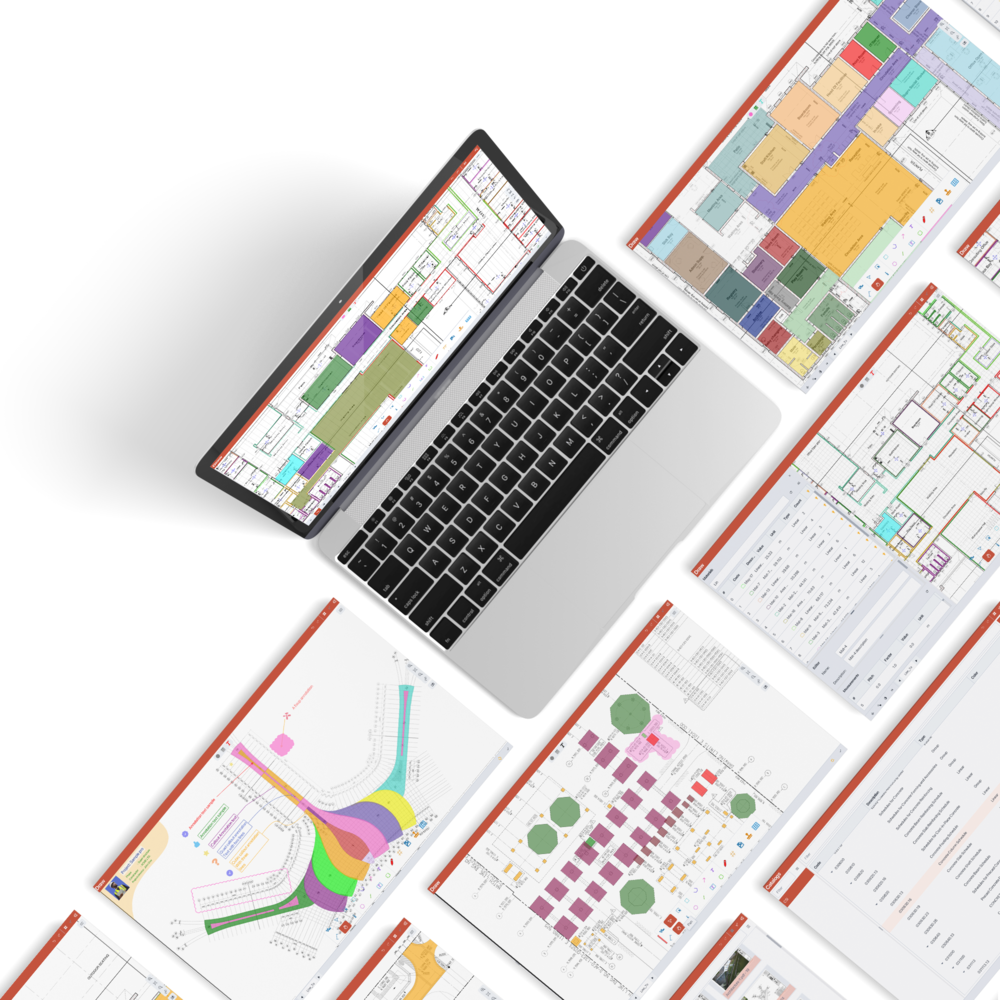

Feature-rich
Everything you need to finish your take-off work efficiently

User-friendly
Low learning curve with minimal steps for maximum speed

Built for constructors
Designed to help constructors win more bids and grow profit
What Bluegrid is best for

Quantity take-offs
Simple, powerful shape tools that make takeoff on PDFs or images fast and accurate.

Markups and annotations
Smart, easy-to-use markups and annotations to help you explain, highlight, and coordinate your construction or design projects with confidence.

Bidders, constructors, or teams
Seamless collaboration with cloud-based sharing—organize, sync, and work together effortlessly using Google Drive.

Fast and precise quantity take-offs
Take off even the most complex shapes in just a few clicks! Use point snaps to accurately capture every corner and curve—making your measurement workflow both fast and highly precise.
- Rich set of shapes for convenient shape take-off
- Assigning types of Count, Linear, Area, Volume
- Point snaps for the most accurate measurements
- Easily modify shapes
- 3D view with shape animation to review
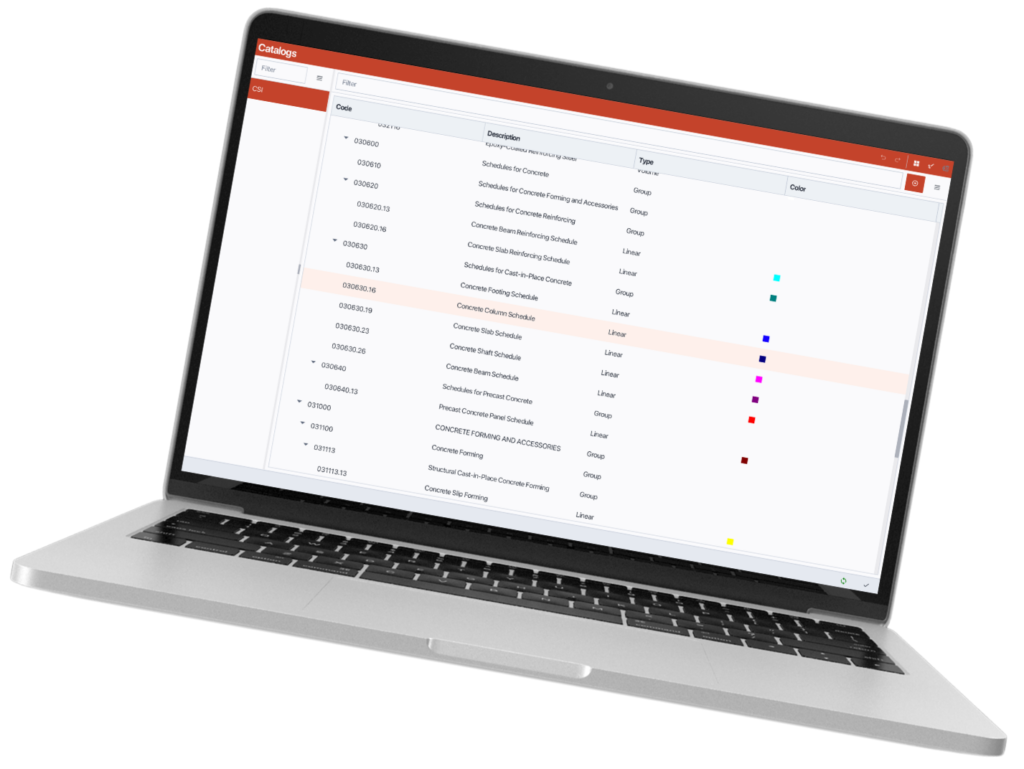
Powerful material tools with attach or drag & drop onto shapes to count
Attach or drag & drop materials onto shapes to instantly count quantities—making your take-offs fast, convenient, and highly efficient.
- Material of all types Count, Linear, Area, Volume
- Drag & drop materials onto shapes to count
- Change or dematerialize shapes
- Edit, style material to optimize visualization
- Create, manage, share, re-use material templates efficiently
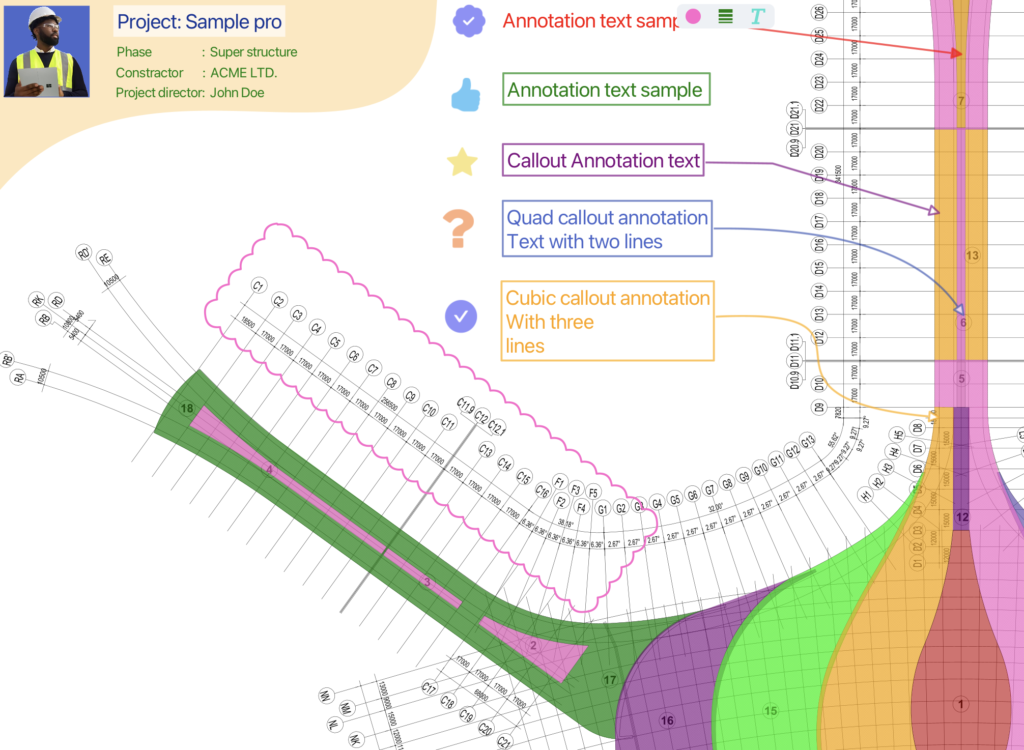
Rich set of annotations and symbols
A rich set of annotations and symbols—including text, callouts, clouds, and both built-in and custom symbols—to help you communicate clearly on any construction or design project.
- Text, TextBox
- Arrow, callouts, clouds
- Stamps of rates and fixups
- Builtins and customizable symbol sets
Excellent Document management
Enjoy excellent document management with fast drag-and-drop, quick find by name or text, organized folder structure, and lightning-fast navigation using thumbnails.
- Organize PDF pages in folder tree view
- View PDF pages with thumbnails in grid view for fast navigation
- Filter by name
- Search by PDF content
- Setting unit, scale, and other page properties

We help constructors win bids better
We help contractors win bids with fast takeoff tools and efficient team collaboration—supporting both single-trade specialists and multi-trade builders.

Point snap
Automatically snaps to key points for fast, precise shape drawing
Modify shapes
Easily edit, adjust, and refine shapes for precise results
Complex Path
Create accurate shapes with curves and holes, even for complex geometries
3D perspective
Review and verify takeoffs clearly in an interactive 3D view
Shapes and pen tool
Create a wide range of shapes and freeform paths with precision and ease
Built-in and Customizable Symbol Tools
Use ready-made symbols or create your own for consistent, clear markups
Bluegrid came in pretty handy when I needed to get an takeoff out the door. Its was simple enough to grasp and I managed to get the takeoff done within a couple hours. Its a great software to use if your need someone quick, simple, and powerful enough to do commercial takeoffs for a faction of the price.
Arturo